




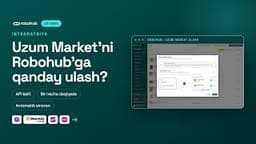
Connect your Uzum Market account to Robohub and activate the integration.
What is it?
Integration links your Uzum Market seller account to Robohub. Once connected, data starts flowing into your Robohub account.
Why does it matter?
This is the first step in working with Robohub: orders, products and analytics only work after this connection is set up.
In the video
- Go to the “Integration” section
- Select Uzum Market
- Connect your account
- Enter the integration details
- Check and activate the connection
 +5
 +3

 +1